
1
Open Google Play
Open the Google Play link. Check the name ClubGG Poker, publisher NSUS Ltd and package com.nsus.clubgg. These details were checked on November 18, 2026; verify availability and device requirements in the store itself.
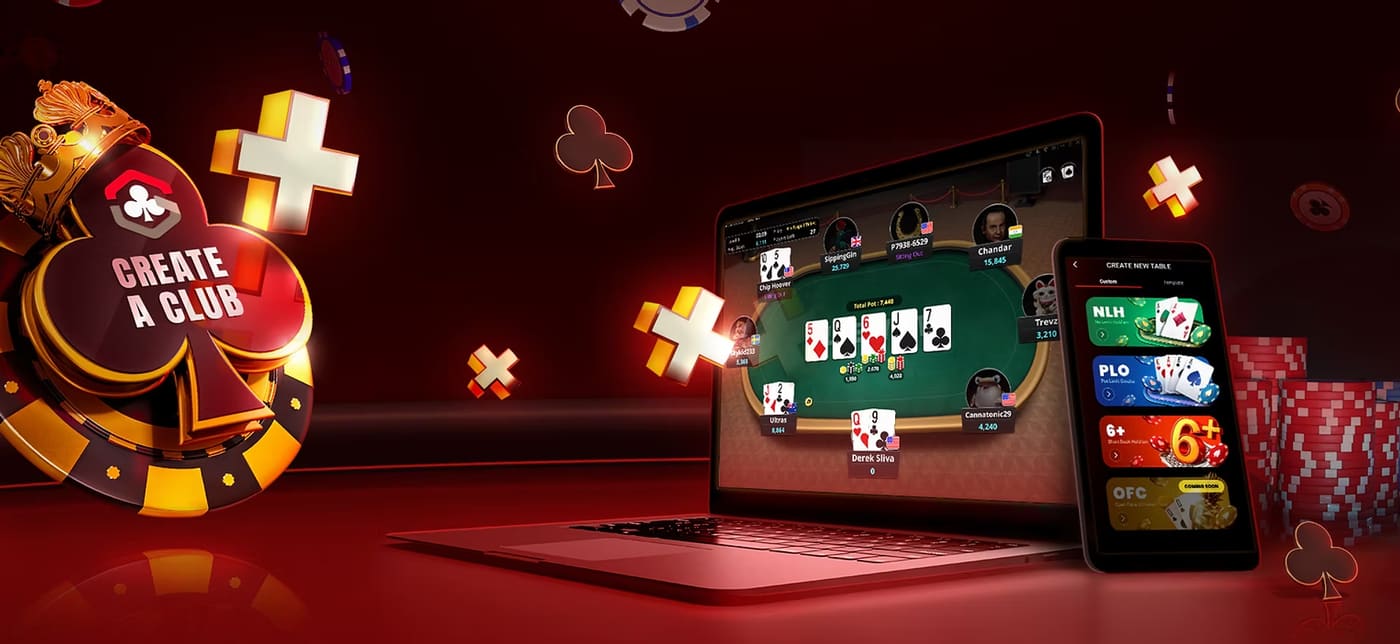
The ClubGG app by GGPoker, fully available on Android. Official, secure download, one-minute install, and join Club 510874 with dedicated Israeli agent support.
Open the Google Play link. Check the name ClubGG Poker, publisher NSUS Ltd and package com.nsus.clubgg. These details were checked on November 18, 2026; verify availability and device requirements in the store itself.
Tap Install. Download size and installation time vary by version, device and connection. Review requested permissions before approving them.
After installing, tap "Open" and grant the basic permissions the app requests.
Register with an email and password. Verify the address via the code sent to your inbox. You can also sign up with Google or Apple.
On the main screen, tap the "Clubs" icon, enter code 510874, and tap "Join". Your request will be sent to the agent.
Message the agent on WhatsApp with your Player ID. Club approval takes anywhere from a few minutes to half an hour. Once approved — start playing!
Check whether the store reports device incompatibility or country availability. Respect platform terms and local law; do not bypass restrictions with an APK or location change. Check download options on ClubGG’s own website.
Usually it's low storage or a weak connection. Free up space (at least 500MB), switch to stable Wi-Fi, and try again. If it still fails — restart the device.
Make sure you're on Android 7.0+ with enough RAM. Close background apps, long-press the ClubGG icon and choose "Force Stop", then "Clear Cache" in the app settings. If it persists — uninstall and reinstall.
After creating a GGPass account, tap your photo in the top corner. The Player ID appears below your username (a 9–10 digit number). Copy it and send to the agent on WhatsApp.
Make sure you typed the code with no spaces. If the error says "Club not found" — verify you're in the right section (Clubs → Join Club → Enter Code). If it still fails — contact the agent; sometimes it only works via direct invitation.
ClubGG APK links from image.clubgg.com are official and secure. Do not download APKs from unofficial third-party sites — there's risk of malware. Contact the agent for the correct link.
Club ID: 510874. Send your Player ID to our agent on WhatsApp and we'll approve within minutes.